 AQ CAPA · Corrective and preventive action
Four ways a finding drifts away from its fix.
A CAPA is only worth the discipline behind it. Without an enforced lifecycle, each step takes the finding further from a resolved cause — and the last one is only discovered at the next inspection.
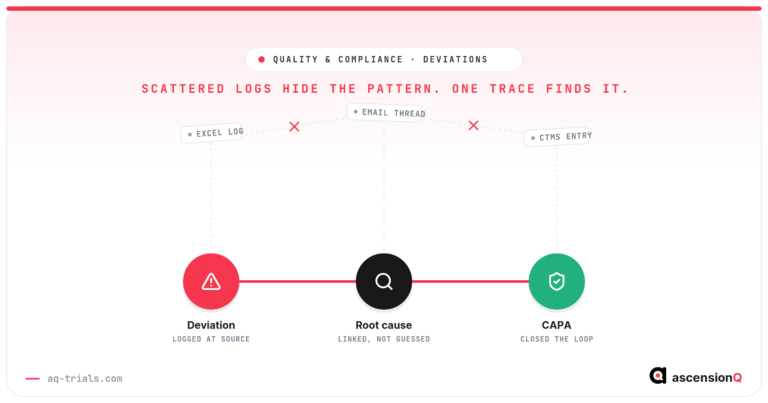
Findings are logged but not always followed through
01An audit observation is recorded in a spreadsheet, an action is agreed in a meeting, and nothing enforces the gap between the two.
Root cause analysis is inconsistent
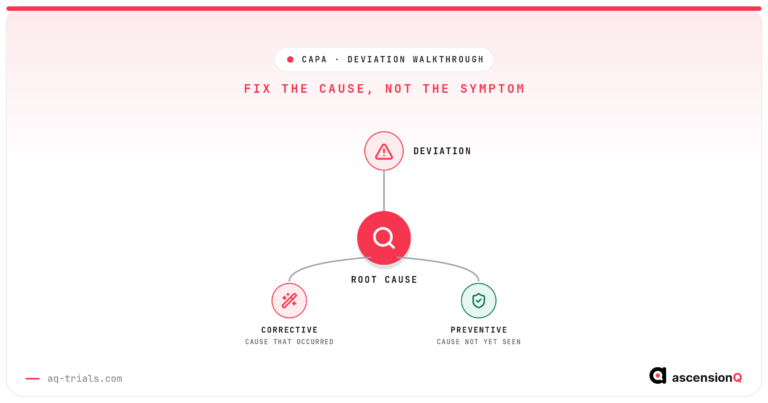
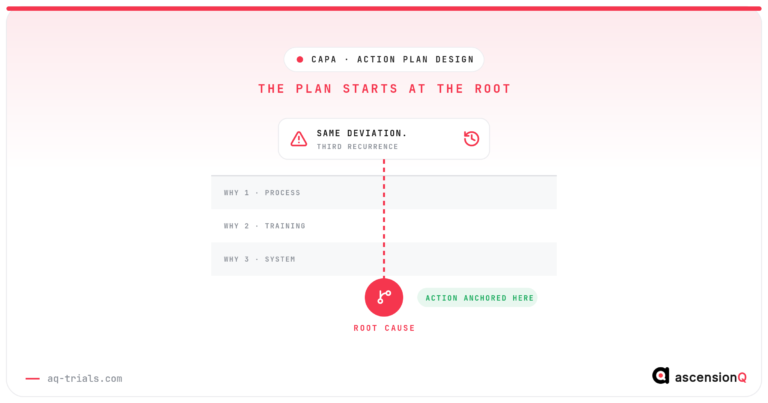
02“Human error” is recorded as a root cause. No method is named, no systemic condition is identified, and the action plan that follows cannot prevent recurrence.
Effectiveness is asserted, never verified
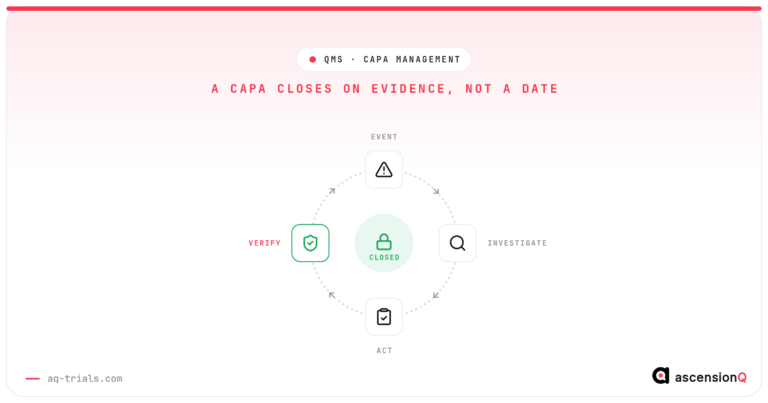
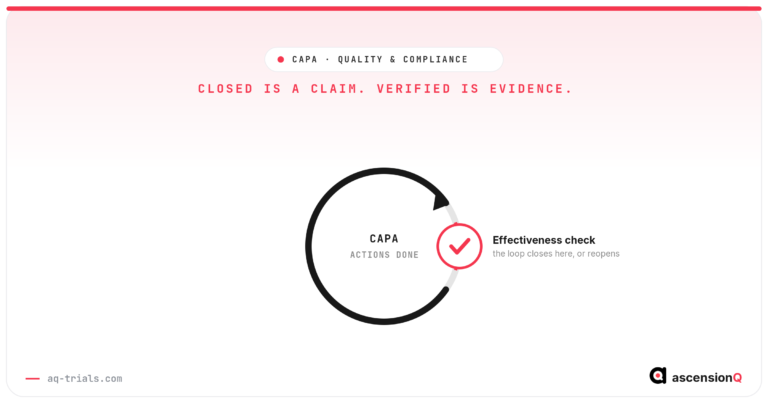
03Actions are completed and the record is closed. Whether the root cause was eliminated is discovered at the next inspection, from a repeat finding.
Audit reporting and trending are rebuilt by hand
04An inspector asks for every CAPA raised against a study, by source and risk level. The answer is assembled from email, minutes and a spreadsheet.
Nine capabilities, one governed CAPA record.
The nine working areas of the CAPA module, each reading and writing the same record — from the finding first logged to the closure statement an inspector reads.
Create CAPA
Log a quality event on one form — title, description, module, study, source type and risk level — with a unique CAPA ID assigned on save.
CAPA list
Every active CAPA in one searchable register, each with a colour-coded badge for the lifecycle stage it has reached.
Removed CAPA list
Removed CAPAs are retained in full, never destroyed — every field, task, approval and audit entry stays with the record.
My tasks
A personal inbox of every CAPA task assigned to you — corrective, preventive and implementation — with the record one click away.
Notifications
CAPA notifications arrive in My Inbox and behind the bell icon, each naming the record, the event, who acted and what is due.
Roles & permissions
Permission-based access: each user sees only the screens and workflow actions their CAPA permissions allow, set by a System Administrator.
Dashboard
Portfolio workload, risk and overdue items at a glance: five KPI cards and the charts that show where work is building up.
Reports
A report library drawn from the same record, so an inspection question is answered by filter rather than rebuilt by hand.
Audit log
The permanent record of every action on every CAPA — who did what, and when — read-only for every user.
Every finding runs the same eight stages.
Each stage names the role that acts, and a stage cannot be skipped. Select any stage to follow CAPA-0184 through it.

The record passes through five pairs of hands.
Each role holds the CAPA for defined stages, then hands it on. A workflow button appears only for the person named on the stage the record has reached.
A portfolio you can interrogate, not just count.
Six views over the same portfolio. Each answers a different question a governance meeting actually asks.
Questions quality teams ask.
Not covered here? Write to us at enquiries@aq-trials.com.
No. Closure is only reachable after an effectiveness verification outcome of Effective has been recorded at stage 7. A Not Effective outcome returns the CAPA to Action Planning automatically, and the cycle of revise, re-approve, re-implement and re-verify repeats until the root cause is eliminated. This is the module’s central control — a CAPA closed on an ineffective action is what produces repeat findings.